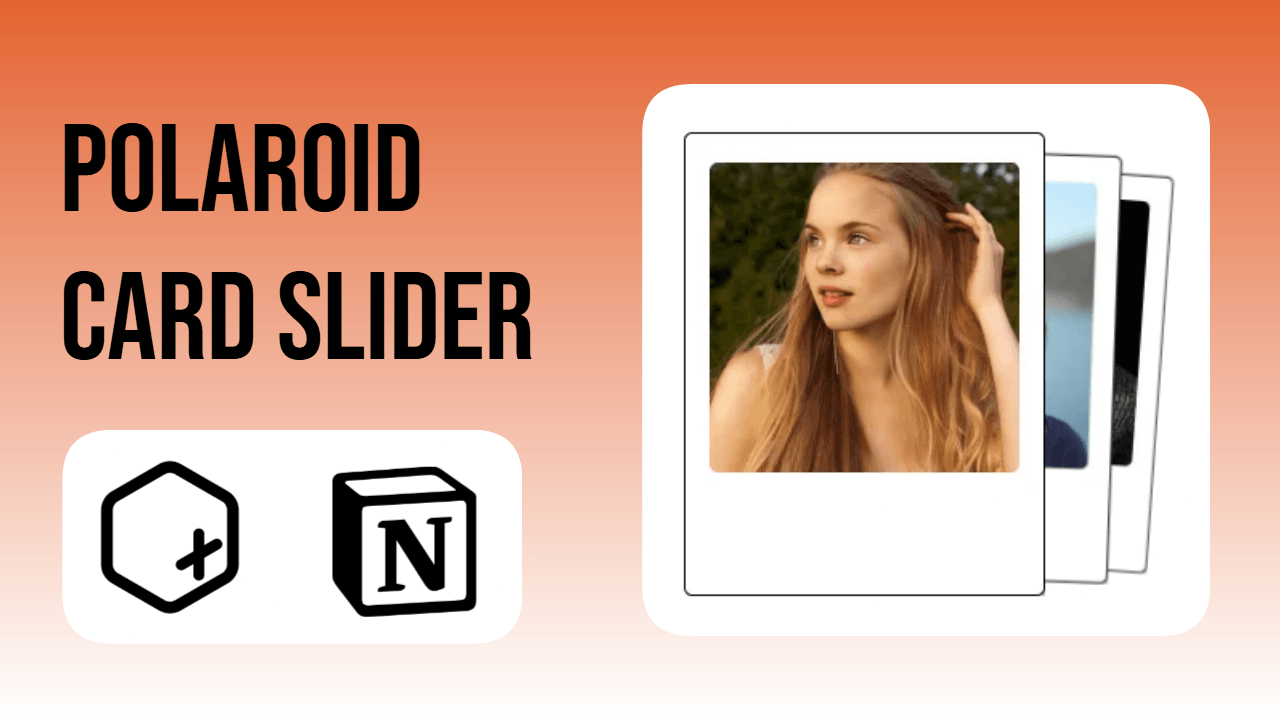
These Notion widgets turn a simple notion image carousel widget into a stacked polaroid card slider using Figma frames and Unsplash photos.
A notion carousel widget does not have to look like a plain image slider. This build uses polaroid-style frames and a card layout so the whole thing looks like a stack of physical photos sitting on the page rather than a flat image carousel notion setup.
Step 1: Create polaroid frames in Figma
Open Figma and design a simple polaroid-style photo frame: white border, slightly wider bottom edge, small drop shadow. This frame becomes the container for each photo used in the carousel.
Step 2: Add photos from Unsplash
Pull images from Unsplash and place them inside the polaroid frames. Personal photos work just as well here. Three frames were prepared for this build, which is generally enough to make a card slider feel full without becoming repetitive.
Step 3: Open theplus.so and start a new widget
Go to theplus.so and click to add a new widget. From the list of widget types, select the carousel image slider option, which is built specifically for an image carousel notion setup.
Step 4: Add the three images in order
Upload the three polaroid images one by one in the order they should appear. Each one becomes a separate slide in the carousel gallery.
Step 5: Switch to the Card theme
Open “More options” and change the carousel theme to Card. This stacks the images slightly behind one another, so it looks like a larger pile of photos even though only three are loaded, giving the notion image carousel a fuller, layered look.
Step 6: Save and copy the widget link
Once the images and theme are set, save the widget and copy the generated link.
Step 7: Embed it in Notion
Paste the link into a Notion page using the embed option, then resize the block to fit the workspace layout.
The card-stack swipe motion has a slight resemblance to swipe-based apps, but paired with the polaroid frame, it reads more like flipping through a small photo pile than a generic slider gallery. The same structure works for other image carousel examples too: a moodboard, a project reference gallery, a travel photo set, or a notion carousel used purely as a decorative header. Swapping the frame style in Figma changes the whole feel without touching the carousel setup itself.