thePlus
Log in Start Free
Widget library

Every Notion Widget Your Templates Need

Image carousels, styled text, announcement banners — all embeddable in any Notion page. Used 1M+ times.


Widget type

Image Widgets

Carousels, filters, frames, banners — all clickable and embeddable.

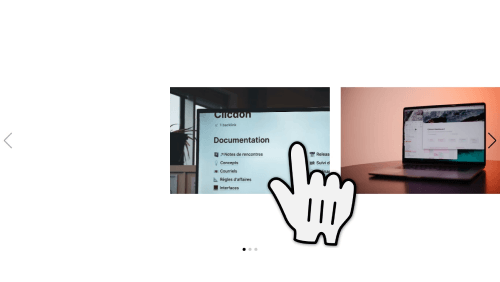
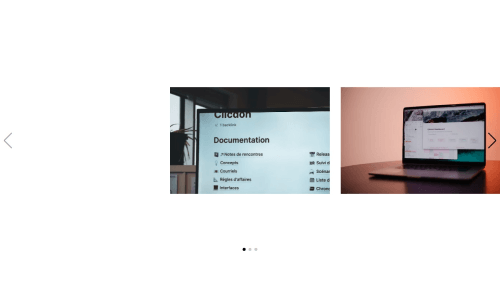
Image Carousel

Create an image carousel slider by adding multiple images.

Image Carousel Link

Give a separate link to each slide in the carousel.

Circle Frame

Circle your photos with one of 4 different frames.

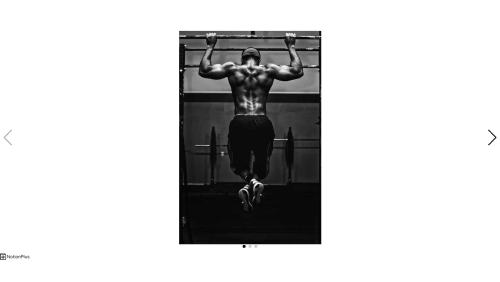
Image Filter Grayscale

12 different picture filters including grayscale, sepia, blur, brightness, contrast, hue, invert, saturate.

Image Filter Sepia

12 different picture filters: grayscale, sepia, blur, brightness, contrast, hue, invert, saturate.

Image Filter Blur

12 different picture filters: grayscale, sepia, blur, brightness, contrast, hue, invert, saturate.

Image Filter Brightness

12 different picture filters: grayscale, sepia, blur, brightness, contrast, hue, invert, saturate.

Image Filter Contrast

12 different picture filters: grayscale, sepia, blur, brightness, contrast, hue, invert, saturate.

Image Filter Hue 15

12 different picture filters: grayscale, sepia, blur, brightness, contrast, hue, invert, saturate.

Image Filter Hue 90

12 different picture filters: grayscale, sepia, blur, brightness, contrast, hue, invert, saturate.

Image Filter Hue 180

12 different picture filters: grayscale, sepia, blur, brightness, contrast, hue, invert, saturate.

Image Filter Hue -60

12 different picture filters: grayscale, sepia, blur, brightness, contrast, hue, invert, saturate.

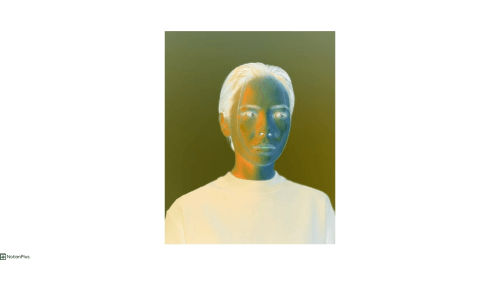
Image Filter Invert

12 different picture filters: grayscale, sepia, blur, brightness, contrast, hue, invert, saturate.

Image Filter Saturate 200

12 different picture filters: grayscale, sepia, blur, brightness, contrast, hue, invert, saturate.

Angle

Rotate your image from 0 to 360 degrees.

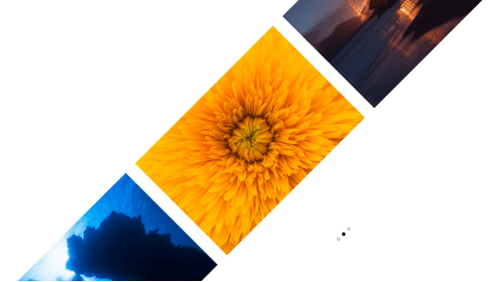
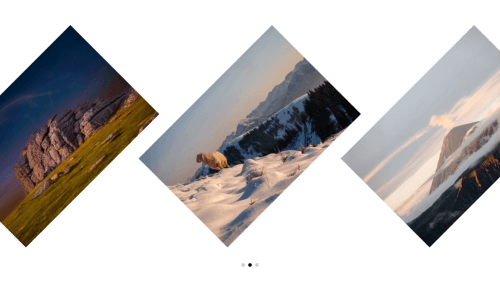
Carousel Slider Angle

Rotate the entire carousel slider.

Carousel Special Angle

Rotate individual images in the carousel.

Carousel Card Theme

Drag left or right with mouse, or control with keyboard.

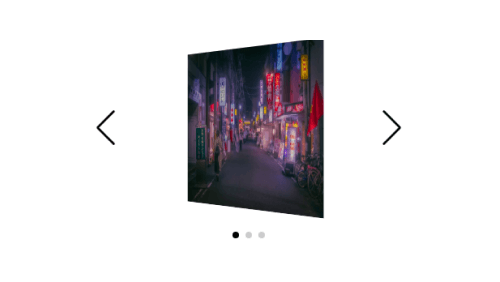
Carousel Flip Theme

Drag left or right with mouse, or control with keyboard.

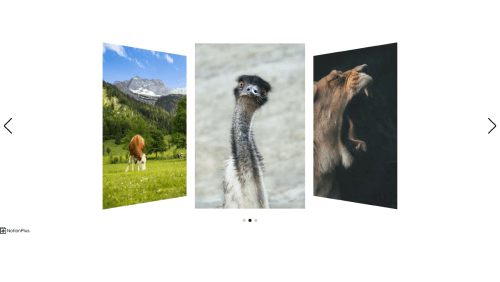
Carousel Coverflow Theme

Drag left or right with mouse, or control with keyboard.

Carousel Fade Theme

Drag left or right with mouse, or control with keyboard.

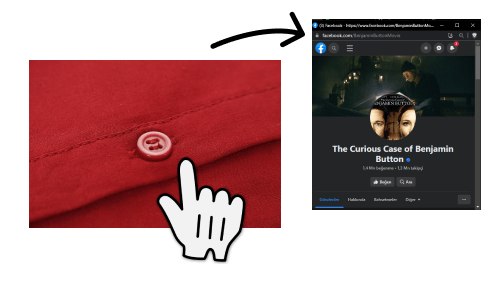
Clickable Pop-Up Window

Open clickable images in a pop-up window.

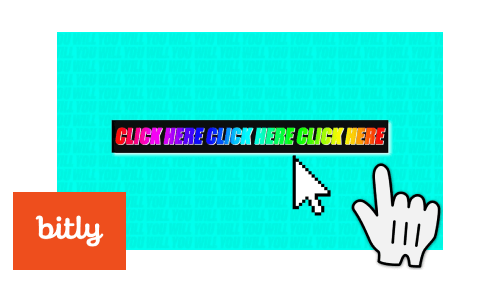
Clickable Banner

Create a clickable banner — perfect for ad space inside templates.

Clickable Image Analytics

Track clicks on linked images with analytics.

Widget type

Text Widgets

1,500+ Google Fonts, themes, colors, angles, markdown, and emoji support.

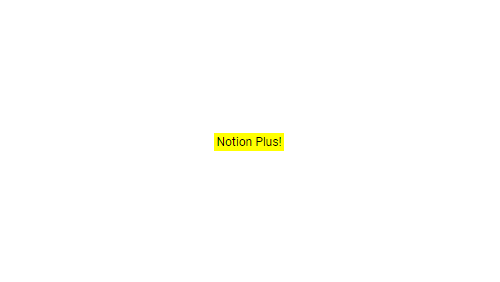
Add Text (Standard Theme)

Access all fonts in Google Fonts — over 1,500 of them.

Markdown

Write your text using Markdown syntax.

Linking

Add a clickable link anywhere in your custom-font text.

Text Neon Theme

4 font themes: standard, neon, square, mark.

Text Square Theme

4 font themes: standard, neon, square, mark.

Text Mark Theme

4 font themes: standard, neon, square, mark.

Size

Set any font size you want.

Alignment

Align text left, center, or right.

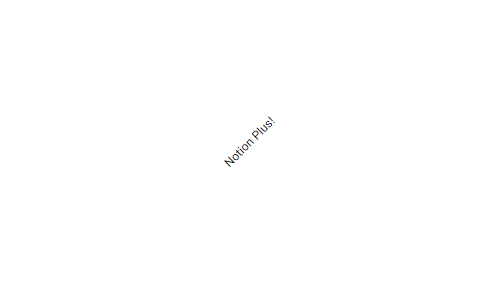
Angle

Rotate your text. A 10-degree tilt looks great with handwritten fonts.

Suitable Notion Colors

Pick from colors that match Notion's palette.

Custom Color

Choose any hex color you want.

Social Media Profile Text

Add links to your social media profiles.

Social Media Share Text

Add social sharing links for Twitter, Facebook, and more.

Emoji

Add emoji to your text — and make them clickable.

Widget type

Announcement Widgets

Dynamic updates, changelogs, testimonials, and RSS feeds — all inside Notion.

Add Announcement — Notion announcement widget

Add Announcement

Post dynamic updates inside any Notion template.

Change Log — Notion announcement widget

Change Log

Create a version changelog for your template.

Testimonials — Notion announcement widget

Testimonials

Display customer testimonials inside your Notion template.

Case Studies — Notion announcement widget

Case Studies

Showcase case studies directly inside Notion.

Close Features — Notion announcement widget

Close Features

Hide the title, description, search, or category at any time.

Categories — Notion announcement widget

Categories

Organize posts with dozens of category options.

Edit / Delete Post — Notion announcement widget

Edit / Delete Post

Edit or delete your announcement posts anytime.

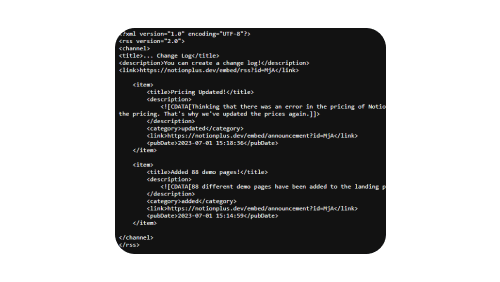
RSS Link — Notion announcement widget

RSS Link

An RSS link is available for your announcement widget.


Get started

Start Building Premium
Templates Today

5 free widgets. No credit card required.
Start Free — It's Free See Pricing