thePlus
Log in Start Free

Notion
Widgets for
Boring
Workspaces.

You open it every day. It should feel like your space — not a blank template everyone else has. Customize it fully and embed it in 60 seconds.

— 8,600+ workspaces transformed — No credit card — Cancel anytime
1M+
Notion pages no longer boring
18K+
Widgets built
8,600+
Workspaces transformed
it-s-just-for-me.notion.so
thePlus Dashboard

Widget Gallery

See it in action.

Real screenshots. Real workspaces. Built with thePlus.so in under a minute.

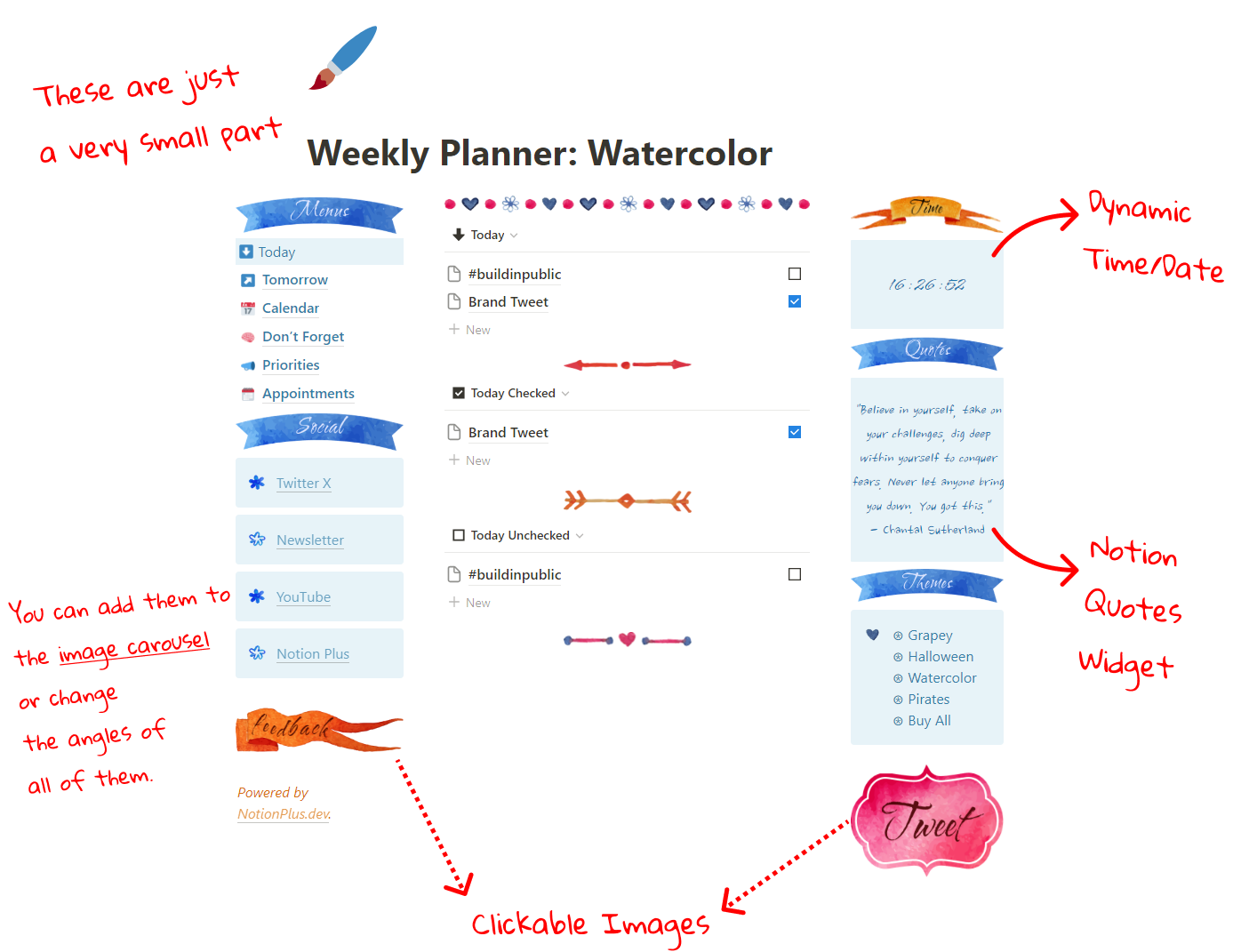
Image Carousel Widget

Image Carousel Widget

Create an image carousel with different themes and styles.
Quotes Widget

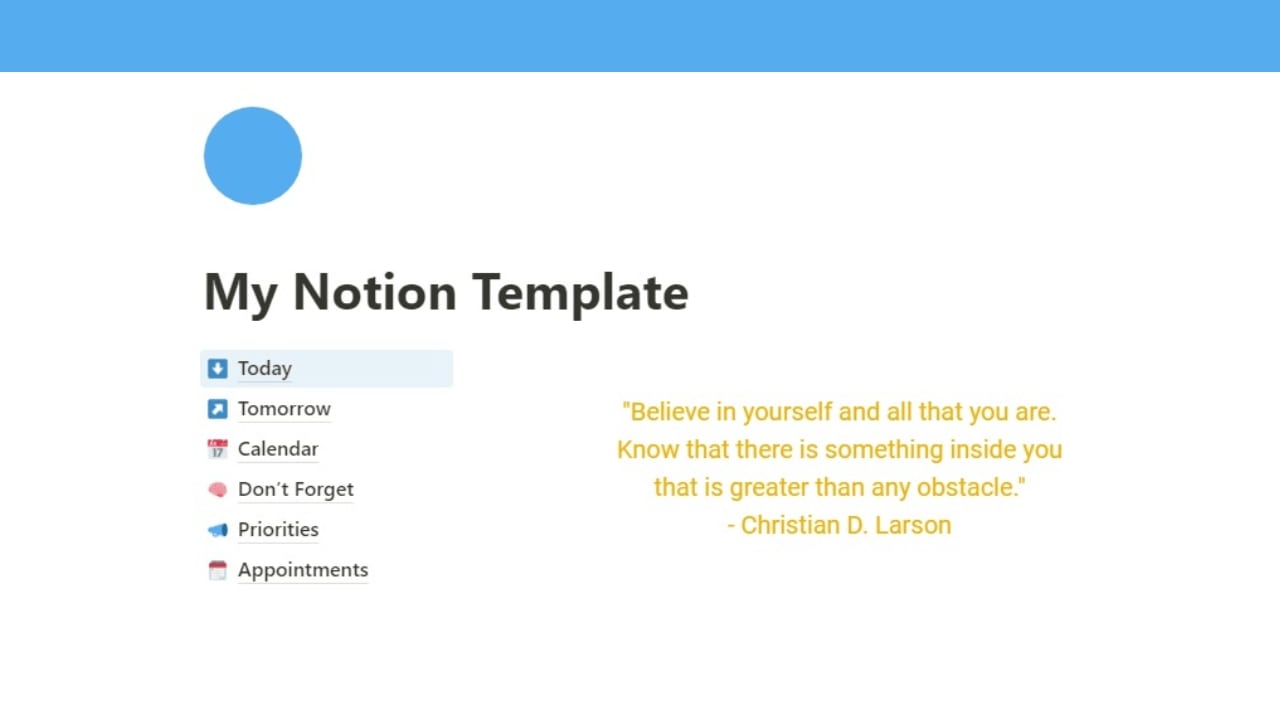
Quotes Widget

Make your own quotes with the text widget.
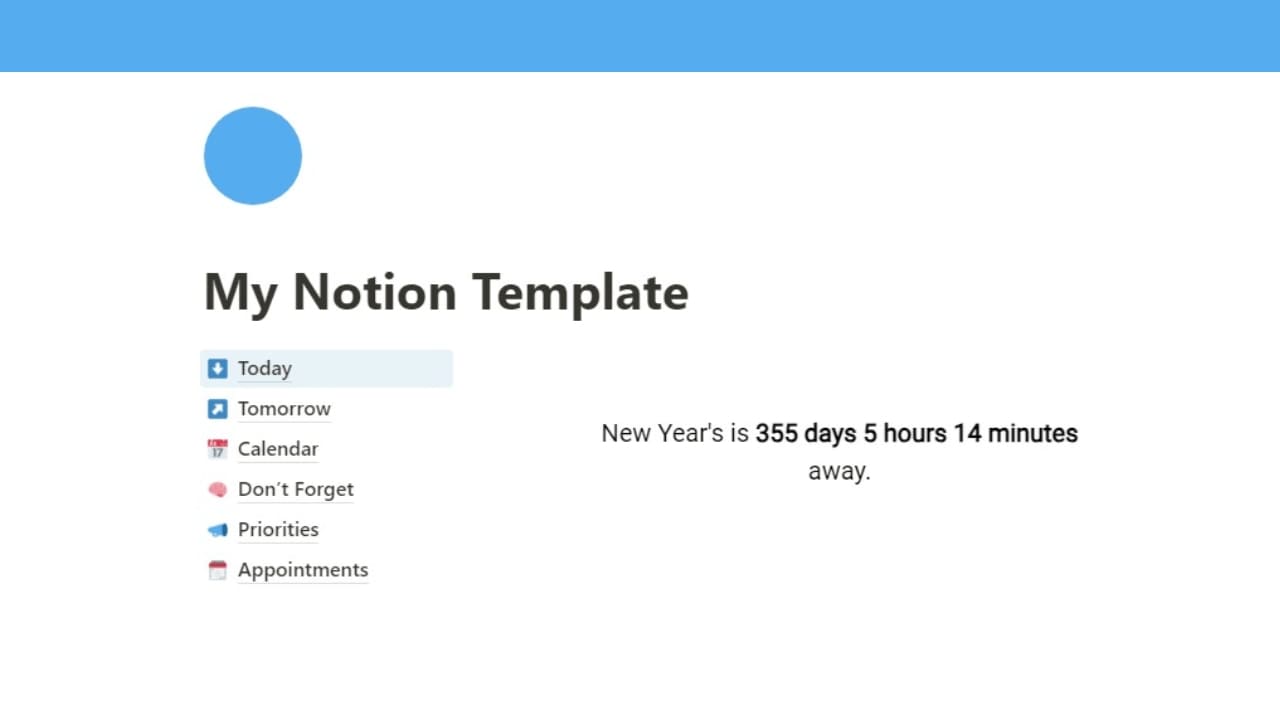
Countdown Widget

Countdown Widget

Count down to any date with the text widget.
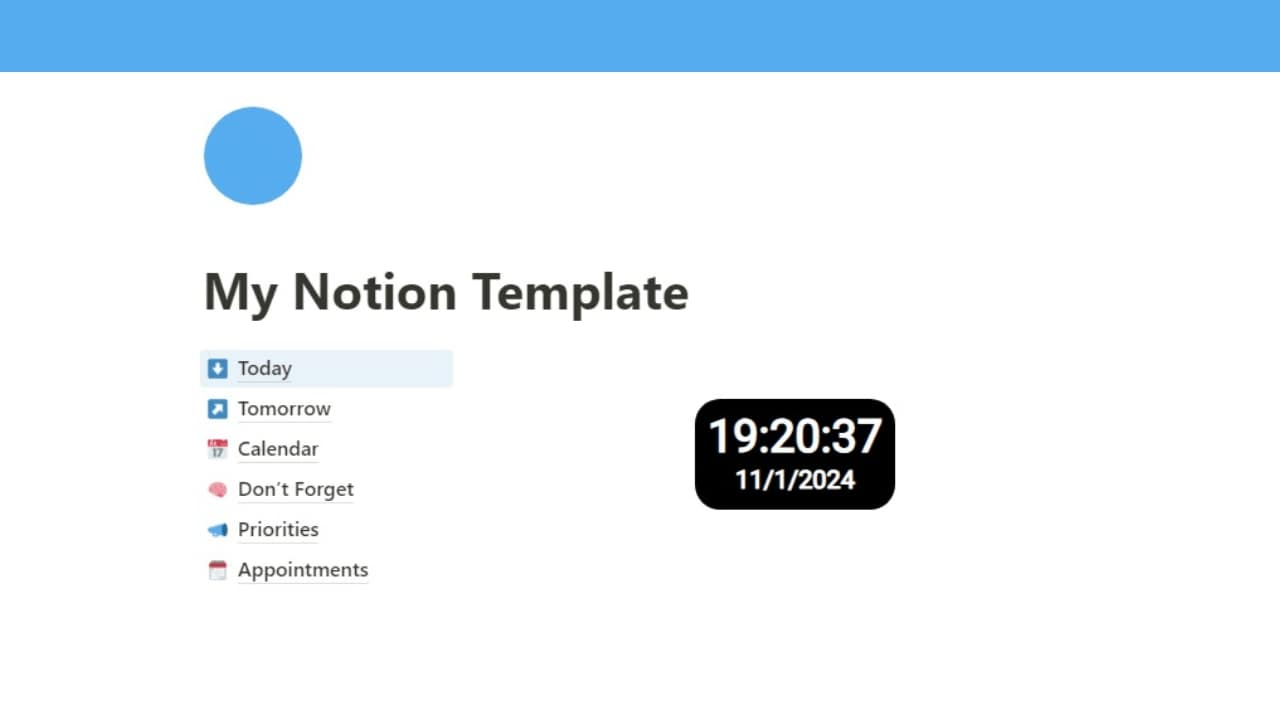
Digital Clock Widget

Digital Clock Widget

Custom digital clock in any font and design style.
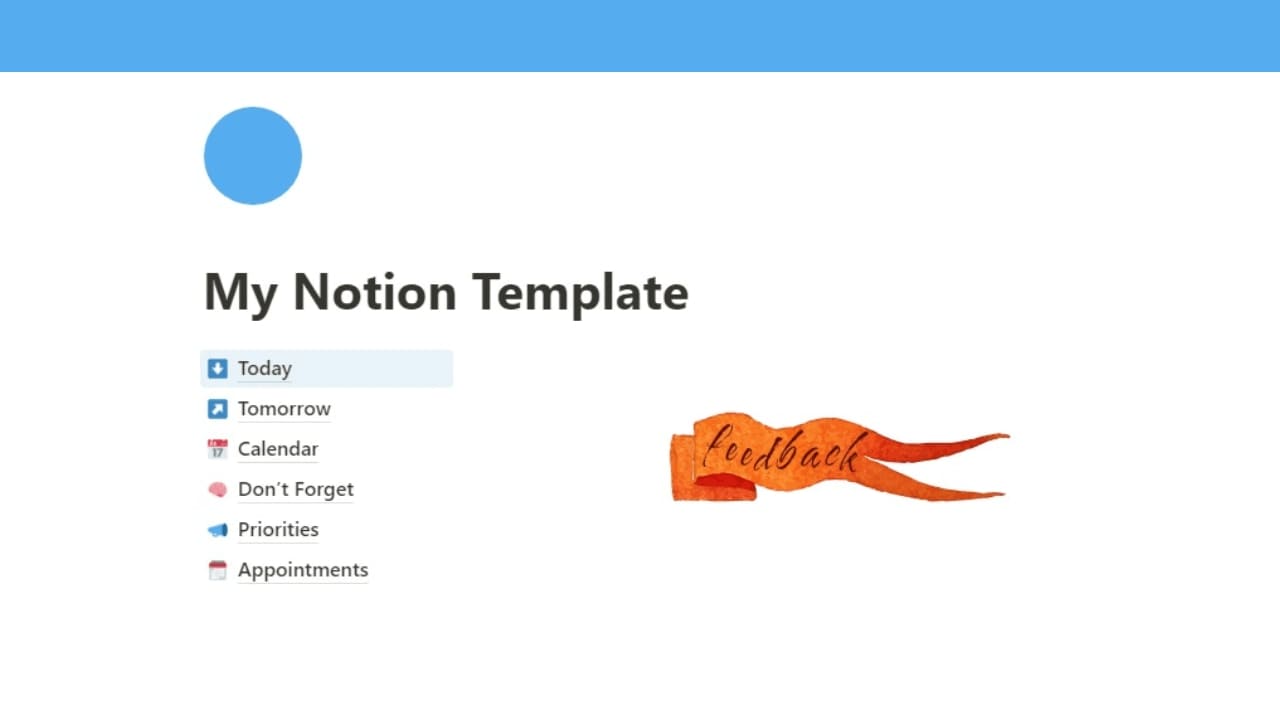
Clickable Image Widget

Clickable Image Widget

Add links to your images and make them clickable.
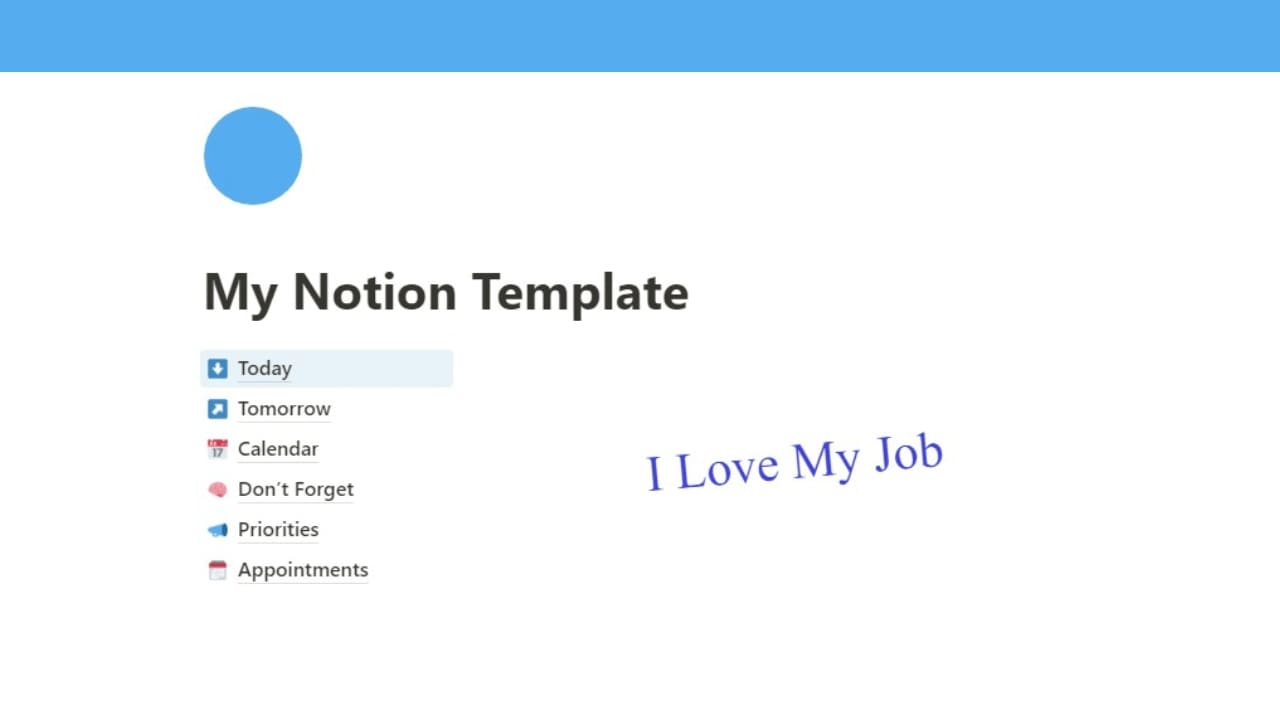
Text Widget

Text Widget

Big texts, angles, 1,500+ fonts, neon, marquee and more.


What's inside

3 widgets.
Infinite combinations.

Each one fully customizable. Each one embeds directly — no third-party dependencies, no code.

Text Widget
The one that does everything.

Live clock, visitor counter, 1,500+ Google Fonts, scrolling marquee, random quotes, URL-driven dynamic content — all in one widget. Style it with neon glow, square outline, highlight, or marker effects. Rotate it. Animate it. Make it yours.

Live Clock
Real-time display that ticks every second — any font, any size.
Visitor Counter
Show your page how many people have been here. Social proof, built in.
Scrolling Marquee
Horizontal or vertical scrolling text. Speed, direction, pause on hover — all configurable.
Random Quotes
A new quote every time the page loads. Your list, your style.
Text Styles
Neon glow, square outline, highlight, marker — pick a style that stands out.
1,500+ Google Fonts
Every font on Google Fonts. Live preview. No extra setup.
What people actually make
A live digital clock on their Notion homepage
A scrolling quote of the day in a custom font
A visitor counter on a public template page
A neon-style header in their brand color
A countdown to a product launch date
Dynamic text that changes based on URL params
Image Widget
Your images, exactly how you want them.

Build carousels with up to 10 images, apply CSS filters (vintage, sepia, blur, contrast), choose from multiple frame styles, add a popup lightbox, enable autoplay, and make any image clickable to a URL. All inside Notion — no external hosting required.

Image Carousel
Up to 10 images per widget. Multiple layout themes. Navigation arrows or dots.
CSS Filters
Vintage, sepia, noir, blur, brightness, contrast — applied live, adjustable per slider.
Frame Styles
Polaroid, bordered, rounded, shadow — each frame gives a completely different feel.
Popup Lightbox
Click to open full-size in an overlay. Works on desktop and mobile.
Autoplay
Set the delay, let it slide. Pauses on hover. Loops forever.
Clickable Image
Assign a URL to any image. Opens in new tab. Perfect for portfolios and templates.
What people actually make
A mood board carousel for a portfolio Notion page
A polaroid-style travel photo gallery
A clickable product image linking to a checkout
An autoplaying showcase inside a sold template
A vintage-filtered cover image for a journal page
A before/after comparison slider for a design portfolio
Announcement Widget
A banner that actually gets noticed.

Clean, dismissible banners that feel native to Notion. Set a background color, an icon, a message, and a CTA link. Visitors can close it — or it stays pinned. Either way, it gets seen.

Custom Colors
Background, text, border — full color control. Match your Notion theme exactly.
Dismissible
Visitors can close it. You choose whether it stays dismissed or reappears.
CTA Button
Add a "Learn more", "Buy now", or "Sign up" button with any URL.
Embeds Anywhere
Top of page, middle of content, inside a template — place it exactly where it gets seen.
What people actually make
"New course dropping Friday" banner at page top
A welcome message for first-time visitors
A limited-time sale notice on a template page
A "This page is a work in progress" alert
An event reminder pinned to a team workspace
A product update notice that auto-hides after 1 view
For template creators

Your template.
Their wow.

Buyers don't just see a template — they see an experience. Widget-powered templates stand out on Notion Marketplace. One Starter subscription. Every template you sell, powered.

ROI in one sale. Starter = $6/mo. One template sold = subscription paid. Everything else is margin.
Power Your Templates
Stand out on Notion Marketplace. Widget-powered templates are instantly recognizable.
Charge more. Buyers pay for the experience, not just the structure.
No per-template cost. One subscription, unlimited templates powered.
Works inside Notion. Buyers embed widgets directly — no setup needed on their end.

Process

Done in 60 seconds.
Not a joke.

01
Imagine your workspace
Browse the library. Pick the widget that fits the workspace you want — not the one you have.
02
Make it yours
Change colors, fonts, content. Live preview updates instantly. No code. No guesswork.
03
Feel it every time you open Notion
Copy the link → paste into Notion as an embed. Open it tomorrow. Feel the difference.

Pricing

Start free.
Pay when it makes sense.

Less than your Notion subscription. Cancel anytime.

Free
Try it out
$0
forever
  • 5 widgets
  • Text, Image & Announcement
  • Up to 3 images per carousel
  • Basic analytics
  • 2 MB image upload
  • Hide logo
Start Free
Personal
For your workspace
$6
/month
  • 50 widgets
  • 2 MB image upload
  • Advanced analytics
  • Up to 10 images per carousel
  • Hide logo
  • Priority support
Get Personal
Most Popular
Creator
For template sellers
$12
/month
  • 99 widgets
  • Unlimited images per carousel
  • Daily & weekly click analytics
  • 5 MB image upload
  • Hide logo
  • Priority support
Get Creator

Cancel anytime


What people say

Real people.
Real workspaces.

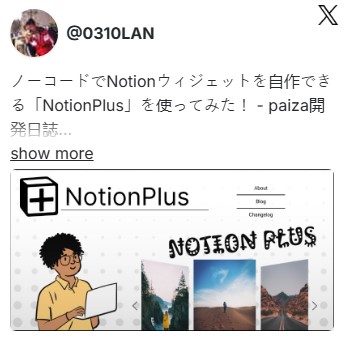
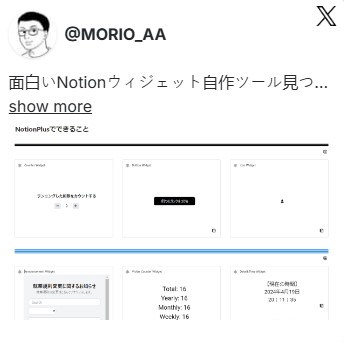
Screenshots from X and the web. Unfiltered. (Formerly known as NotionPlus.)

Featured in Trends.VC

Works with

Not using Notion?

Works on any platform that supports iframe embeds.

Coda Apps Widgets Coda Apps Widgets
WordPress Widgets WordPress Widgets
Google Sites Widgets Google Sites Widgets
xTiles Widgets xTiles Widgets
Craft Widgets Craft.do Widgets
Framer Widgets Framer Widgets
Carrd Widgets Carrd Widgets
Webflow Widgets Webflow Widgets

FAQ

Notion widget
questions, answered.

What are Notion widgets?

Notion widgets are interactive elements you embed into a Notion page using an iframe URL. Notion supports iframe embeds natively — so you paste a widget link, type /embed in Notion, and the widget renders live inside your page. A real-time clock, an image carousel, a visitor counter, scrolling text, an announcement banner. Notion doesn't offer these natively, so tools like thePlus build and host them for you — no code, no setup, 60 seconds.

How do I add a widget to Notion?

Three steps. First, create and configure your widget on thePlus — pick your font, set your text, choose colors. Second, copy the embed link we generate. Third, open Notion, type /embed, paste the link, press Enter. Done. Under 60 seconds, even the first time.

Are Notion widgets free?

Yes. thePlus has a free plan with 5 Notion widgets, no credit card required and no time limit. Free widgets don't expire. When you need more widgets or want features like image upload, larger carousels, or logo removal — you upgrade. But the free plan is real and usable indefinitely.

What is the best Notion widget tool?

thePlus is one of the most feature-rich Notion widget tools available. It offers 1,500+ Google Fonts, CSS image filters, multiple frame styles, live clock, visitor counter, scrolling marquee, random quotes, and announcement banners — all without writing a single line of code. Used by 8,600+ Notion users across 18,000+ widgets created.

How do I add a clock widget to Notion?

With thePlus, you create a live clock Notion widget in under a minute. Choose from 1,500+ Google Fonts, set the size and color, enable seconds display — then copy the embed link and paste it into Notion. The clock updates in real time every second, automatically matching your system timezone.

How do I add an image carousel to Notion?

thePlus lets you build an image carousel widget for Notion with up to 10 images per widget. Apply CSS filters (vintage, sepia, blur, contrast), choose frame styles (polaroid, bordered, rounded), enable autoplay, and make any image clickable to a URL. Upload your images or use external links. Works inside Notion as a standard embed.

Do Notion widgets work on mobile?

Yes. thePlus widgets render in the Notion mobile app on both iOS and Android. Notion's mobile iframe support is functional and our widgets are tested for mobile rendering. The thePlus dashboard where you create and manage widgets is also fully responsive — you can set up a new widget from your phone.

Can I use Notion widgets in my templates?

Yes — and this is one of the most popular use cases. When you build a Notion template with thePlus widgets and share or sell it, buyers see the widgets live when they open your template. They don't need a thePlus account to view them. One subscription powers every template you create and sell on Notion Marketplace, Gumroad, or anywhere else.

Can I use Notion widgets on a public Notion page?

Yes. thePlus widgets work on both private and public Notion pages. Anyone who visits your public page sees the widgets live — no Notion account needed. Many creators use public Notion pages as portfolio sites or landing pages, powered with thePlus widgets like visitor counters, image carousels, and announcement banners.

What happens to my Notion widgets if I cancel my subscription?

Your account drops to the free plan limits (5 widgets). Widgets beyond the free limit stop rendering until you upgrade again or delete some widgets to get back under the limit. Your widget data and configurations are never deleted — everything is saved. Come back anytime and pick up exactly where you left off.

Your Workspace
is still
boring.

8,600 people already know what you're missing.